Remember that school project that just wouldn’t fit on regular paper? Or that poster you wanted to make for your room? You probably needed to explore printing 11×17, a size that offers more space for your designs. This guide will walk you through everything you need to know about this practical print size. By the end, you’ll be able to confidently handle projects requiring larger prints, and even know how to choose the right paper and printer. This will help you save time and frustration by enabling you to select the best option.
Key Takeaways
- Learn the benefits of printing 11×17 compared to standard sizes.
- Discover different printer types that support 11×17 printing.
- Understand the paper options available for this format and how they impact your prints.
- Get tips on preparing your files for 11×17 prints to ensure the best results.
- Explore common uses for 11×17 prints in both personal and professional settings.
- Find out how to estimate the cost of 11×17 prints based on various factors.
Why Choose 11×17 Printing?
The 11×17-inch paper size, often referred to as “tabloid” or “ledger” size, presents a useful step up from standard letter size (8.5×11 inches). It provides considerably more surface area, making it ideal for projects that require greater detail, larger images, or more room for text and graphics. This expanded format is beneficial for anything from creating eye-catching posters to designing detailed architectural plans.
Expanded Workspace: The Benefits of 11×17
The primary advantage of printing 11×17 is the extra space it provides. This is useful for various applications. It allows you to display more information on a single page, which is very helpful when showcasing detailed infographics or complex designs. The larger format is also beneficial for visuals, enabling images to have a greater impact and clarity. It is a good solution for projects where visual communication is important.
- Increased Visual Impact: Larger prints immediately catch the eye and are perfect for posters, presentations, and promotional materials. The added space ensures images are more easily seen and appreciated.
- Greater Detail: The extra size allows for more fine detail in designs, maps, or technical drawings, making them easier to read and understand.
- Enhanced Readability: You can create documents with larger fonts and more comfortable layouts, which improves readability.
- Professional Appearance: 11×17 prints present a professional look, suitable for presentations, reports, and other documents that need to convey a premium feel.
- Versatility: This size is flexible for different project needs. It suits both personal creative projects and professional business needs.
For example, if you’re a real estate agent presenting a floor plan, the larger format will make it clear and easier to see all aspects of the property. Likewise, a graphic designer can showcase detailed designs without needing to cram them into a smaller space.
Paper Types for 11×17
The right paper type significantly enhances the final look of your 11×17 prints. From standard copy paper to glossy photo paper, the variety of choices caters to different needs and aesthetic goals. It’s important to match the paper to your project to get the results you want. The weight, finish, and material of the paper all play roles in how your prints appear and feel. Understanding the options allows you to make informed decisions for each print job.
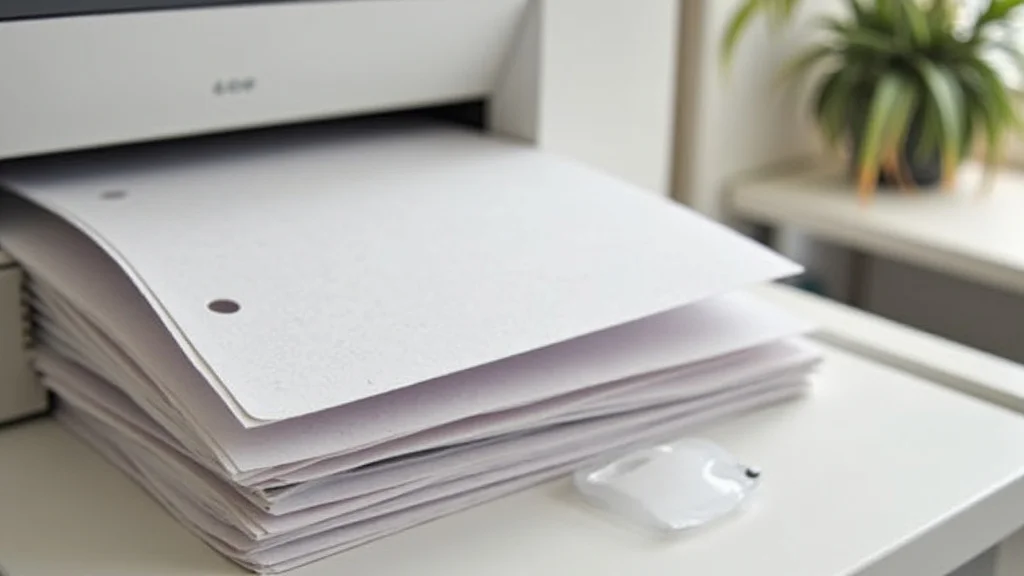
- Paper Weight: Paper weight refers to the density of the paper and is measured in pounds (lb) or grams per square meter (gsm). Heavier paper (e.g., 28 lb or 105 gsm and above) is generally more durable and gives a more premium feel, making it suitable for professional documents and posters. Lighter paper (e.g., 20 lb or 75 gsm) is often used for everyday printing and is a cost-effective choice for drafts or internal documents. Choosing the correct paper weight is important for its presentation.
- Paper Finish: The finish of paper significantly impacts the visual appeal and suitability for different print projects. Matte paper has a non-reflective surface, which is ideal for documents with lots of text, as it’s easier on the eyes. Glossy paper reflects light, adding vibrancy to images and making colors appear richer. Satin or semi-gloss paper provides a balance of both, offering a slight sheen without the high glare of glossy.
- Specialty Papers: Beyond basic finishes, specialty papers provide additional options. Photo paper is designed to provide high-quality photographic prints, with options like glossy, semi-gloss, and matte photo paper. Textured papers add a tactile element, with options like linen or watercolor paper. These papers are often used for art prints or projects requiring a unique feel.
- Durability: The durability of the paper affects how well your prints stand up to wear and tear. Thicker paper stocks are more resistant to folding, tearing, and general handling. Water-resistant papers can protect your prints from moisture damage.
For a vibrant poster, glossy photo paper can make colors “pop”. For a report that feels professional, a heavier, matte paper would be suitable. The paper selected enhances the impact of the final product.
Printer Options for 11×17 Printing
Choosing the right printer is key when it comes to printing 11×17. Different printer technologies offer various advantages, catering to different printing needs and budgets. While some printers are designed for general use, others specialize in large-format printing. The correct printer makes the process easy and efficient.
- Inkjet Printers: Inkjet printers are the most common type and are suitable for a wide range of tasks, including large-format printing. They are excellent for photo prints because they can produce vibrant colors and smooth gradients. Inkjet printers use liquid ink sprayed onto the paper. They are generally affordable, though ink cartridges can be expensive.
- Laser Printers: Laser printers use toner, which is a powder, to create prints. They are very fast and efficient, which is good if you print in high volumes. Laser printers are generally better for text documents and offer sharp, clean lines. However, they may not handle photo printing as well as inkjet printers, though this has improved.
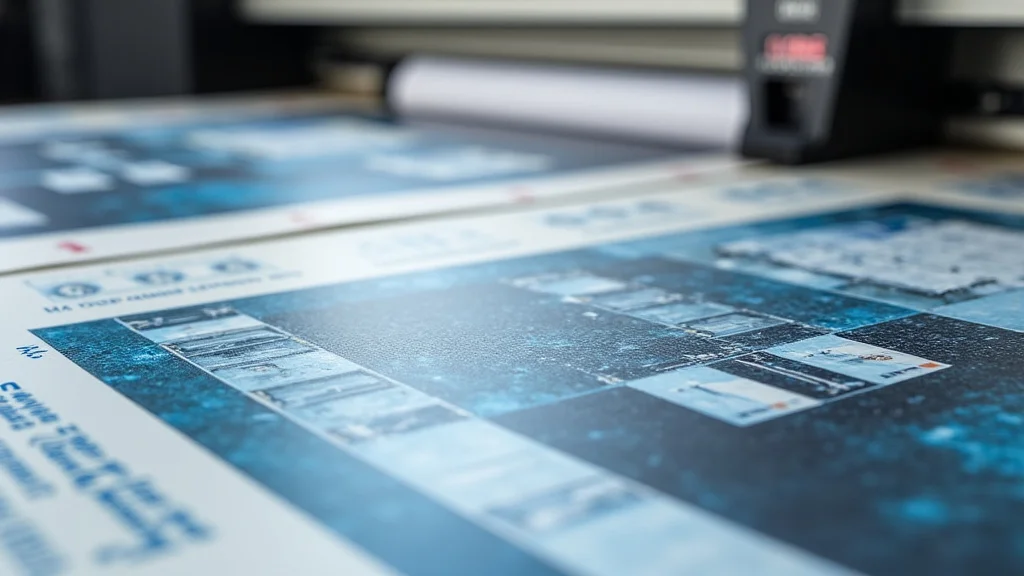
- Wide-Format Printers: Wide-format printers are specifically designed for printing larger sizes, including 11×17 and larger. These printers often use specialized inks and offer high-quality prints suitable for professional applications such as posters, blueprints, and architectural drawings.
- All-in-One Printers: These machines combine printing, scanning, and sometimes copying functions. They can be a convenient choice for home offices or small businesses. When selecting an all-in-one printer for 11×17, make sure it supports the format.
A graphic designer might choose a wide-format inkjet printer for high-quality posters. Someone needing to print text-heavy reports in large quantities may prefer a laser printer.
File Preparation for 11×17 Printing
Preparing your files correctly is essential for getting high-quality 11×17 prints. There are some basic steps, from making sure the dimensions are correct to ensuring your file resolution is high enough. This helps to make sure you get the best possible results when printing 11×17. Follow these practices, and you will get professional-quality results.
- File Size and Resolution: The resolution of your image directly impacts the clarity of your print. Use high-resolution images. For 11×17 printing, a resolution of at least 300 DPI (dots per inch) is often suggested. This ensures that your prints will be sharp and detailed, even at a larger size. Lower resolutions may result in pixelated or blurry prints.
- Color Mode: The color mode you select matters. Most printers use the CMYK color model for printing, which stands for Cyan, Magenta, Yellow, and Key (Black). If your design is in RGB (Red, Green, Blue), which is common for digital displays, convert it to CMYK before printing to get a closer match to your colors. This avoids unexpected color shifts.
- Bleed and Margins: If your design has images or colors that extend to the edge of the paper, you need to include a bleed. Bleed means extending the image or color slightly beyond the trim area so that the printer can trim it correctly without leaving white edges. Set your margins to ensure text and critical elements are not trimmed off. A margin of at least 0.25 inches is recommended.
- File Format: The file format you choose can affect the quality of your print and how well the printer handles it. PDF (Portable Document Format) is the best choice because it retains all formatting, fonts, and images, and is widely supported by printers. Other formats like JPEG or PNG can be used, but PDF is usually the most dependable.
- Proofing and Testing: Always print a test copy of your 11×17 design before committing to a full print run. This helps identify any issues with color, layout, or resolution. Make any necessary changes and reprint as needed to get the perfect result. This step is useful in preventing problems.
Consider a poster with graphics that go to the edge. The graphic should extend past the trim line by a few millimeters (bleed). This prevents any white edges after the print is cut.
Printing 11×17 Applications
The 11×17 size is useful in many settings. Whether you’re a business, a student, or a hobbyist, this size provides a useful format for a wide range of projects. The size provides an optimal balance between the need for detail and easy handling. It’s a useful choice for various needs, from professional presentations to personal projects. Here are some of the most common applications.
Professional Uses of 11×17 Printing
11×17 paper is a great tool for professionals. The size is convenient for producing eye-catching marketing materials, informative presentations, and useful documents. It offers enough space for detailed information while remaining easy to handle and distribute. This size is both practical and a good way to present information in a professional way.
- Posters and Flyers: 11×17 prints are perfect for posters and flyers used to advertise events, products, or services. The added space allows for more impactful visuals and text to attract attention.
- Brochures and Newsletters: The larger format provides more space for designing attractive and informative brochures and newsletters. This allows for a better layout, more visuals, and clear information.
- Presentations and Charts: In professional presentations, 11×17 prints can be used to display charts, graphs, and other visual aids. They are large enough to be easily seen from a distance.
- Marketing Materials: Marketing materials such as menus, price lists, and informational sheets are useful in the 11×17 format. These provide more space for presenting details.
- Architectural and Engineering Plans: Professionals in architecture and engineering use 11×17 prints for preliminary drawings and plans.
Real estate agents can use 11×17 flyers to showcase property details. Restaurants can print 11×17 menus. Professionals can convey critical information clearly and effectively.
Personal & Creative Projects
11×17 paper is perfect for creative and personal projects. It is an excellent format for artists, hobbyists, and those who want to create visually appealing materials. The larger size provides space to create detailed artwork, make eye-catching displays, and bring creative ideas to life. Whether you’re making artwork, crafting invitations, or organizing personal projects, this size offers flexibility.
- Art Prints and Posters: Artists often use this size for creating art prints and posters. The extra space allows for more detail and impact.
- Calendars and Planners: 11×17 prints can be used to create detailed calendars and planners that offer a lot of room for scheduling and notes.
- Large-Format Invitations: These prints are ideal for making eye-catching invitations for weddings, parties, and other events.
- Educational Materials: Students and educators may use this format to create maps, diagrams, and other educational resources.
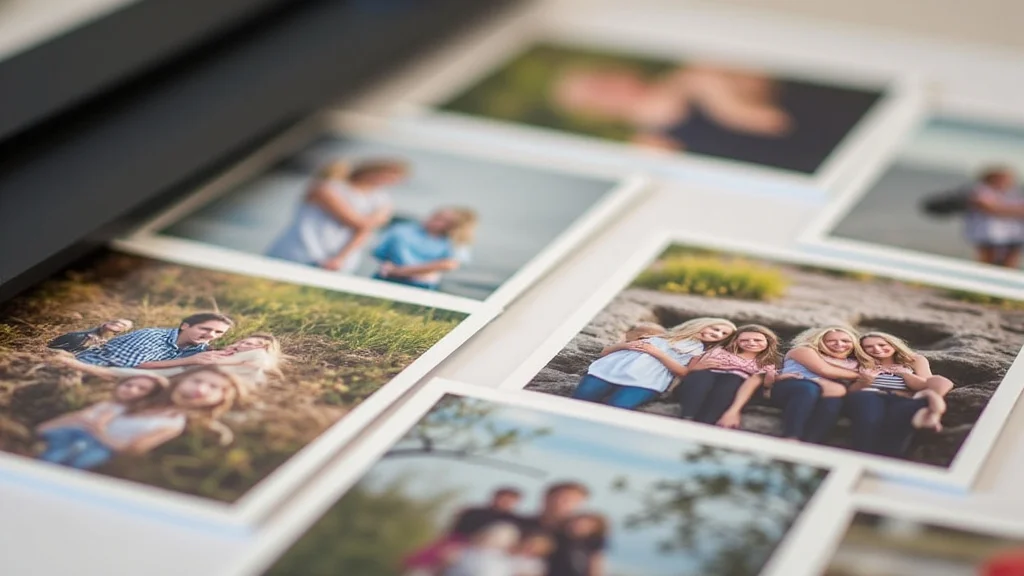
- Photographic Prints: For photos, the 11×17 size offers a balance between a large format and being easy to manage.
Artists can print detailed artwork. Students can create large maps or diagrams for projects. Hobbyists can make unique invitations or decorative pieces.
Costs for 11×17 Printing
Understanding the costs associated with printing 11×17 is important for planning your projects effectively. Pricing varies based on various factors, including the type of printer used, the paper quality, and the quantity of prints. Being aware of these cost elements helps you choose the best options.
- Printer Type: The type of printer you use (inkjet, laser, or wide-format) has a direct impact on print costs. Inkjet printers might be less expensive to start, but the cost of ink cartridges can add up. Laser printers have lower per-page costs. Wide-format printers can offer higher quality, but they often come with higher initial costs.
- Paper Type: The paper you select affects the overall cost. Standard copy paper is the most cost-effective. Premium paper like photo paper or specialty paper adds to the price. The choice depends on the project’s requirements and your budget.
- Ink or Toner: The cost of ink or toner is a major factor. Prices vary depending on the printer model and the type of ink or toner. High-yield cartridges can reduce costs.
- Quantity: The number of prints affects the per-unit cost. Most print shops and services offer lower prices per print for larger orders.
Estimating Costs Example: If you need to print 50 posters on standard paper using a laser printer, the cost per print will be lower than printing one poster on photo paper using an inkjet printer. The larger the quantity, the more money you’ll save on each print.
Common Myths Debunked
Myth 1: 11×17 Printing is Only for Professional Use
Reality: While printing 11×17 is popular in business, it’s also useful for personal projects. From creating art prints to making family calendars, this size provides a larger canvas that is useful for creatives.
Myth 2: You Need Expensive Equipment
Reality: While professional-grade printers are available, you don’t need expensive equipment. Many home and office printers support 11×17, making this format available for everyone.
Myth 3: Preparing Files for 11×17 Printing Is Hard
Reality: With the right knowledge, preparing files is easy. Learning about resolutions, color modes, and bleeds helps you create high-quality prints without difficulties. Many online resources and software tools are available to help.
Myth 4: 11×17 Printing Is Always Expensive
Reality: Costs vary, but 11×17 printing can be affordable. You can reduce costs by using the right printer, choosing appropriate paper, and ordering in bulk. The cost depends on the choices.
Myth 5: You Can’t Get High-Quality Prints at Home
Reality: Modern inkjet printers are good at producing high-quality prints at home. With the correct printer, quality paper, and proper file preparation, you can get professional results without going to a print shop.
Frequently Asked Questions
Question: Can I print 11×17 on a standard printer?
Answer: No, you’ll need a printer that supports 11×17-inch paper. Not all standard printers can handle this size. Many inkjet and laser printers are designed to accommodate it.
Question: What is the best resolution for 11×17 prints?
Answer: A resolution of at least 300 DPI (dots per inch) is suggested for high-quality 11×17 prints. This resolution ensures sharp, detailed results.
Question: What’s the best file format for printing 11×17?
Answer: PDF (Portable Document Format) is generally the best format. It preserves fonts, images, and layout, and is widely supported by printers.
Question: Do I need to include a bleed when printing 11×17?
Answer: Yes, if your design has elements that extend to the edge of the paper, you need to include a bleed. This ensures that the design is trimmed correctly without any white edges.
Question: How can I reduce the cost of 11×17 printing?
Answer: You can reduce costs by printing in bulk, using a laser printer for text-heavy documents, selecting standard paper, and looking for deals at print shops.
Final Thoughts
Printing 11×17 opens up a world of possibilities for both personal and professional projects. From understanding the benefits of the size to selecting the appropriate printer and paper, you can confidently create stunning prints. Whether it’s for posters, presentations, or art prints, this format offers you the space and versatility to bring your ideas to life. You now have the knowledge to plan, prepare, and execute 11×17 prints that stand out. Explore this size. Experiment with different paper types. Take advantage of its potential to transform your ideas into something real.