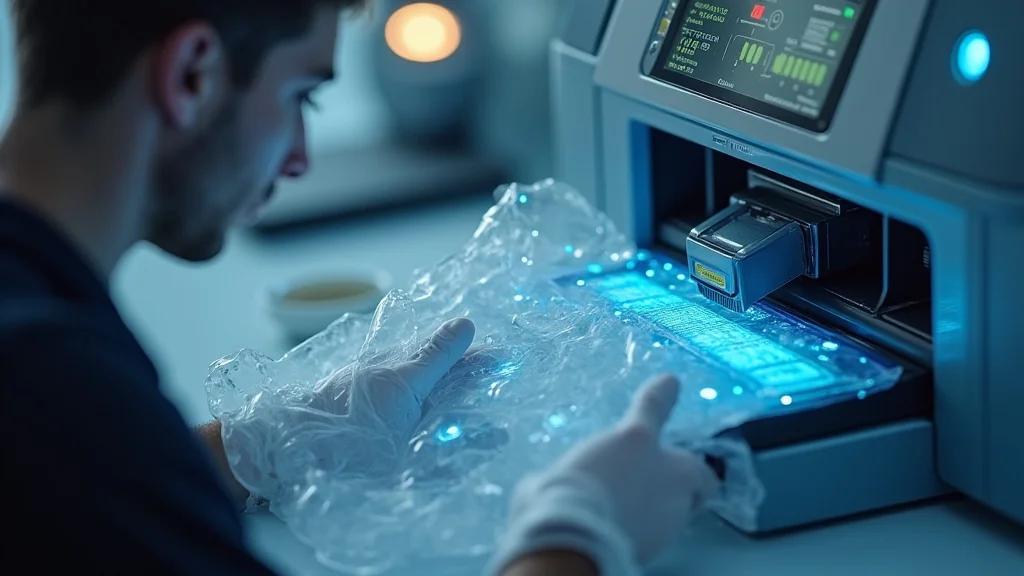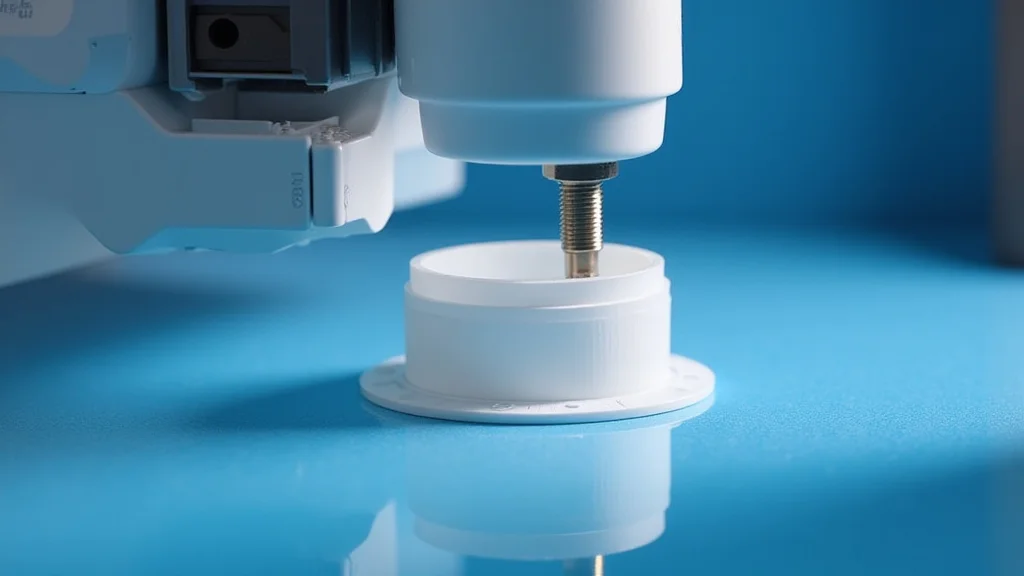
Picture this: you’re trying to 3D print a flexible phone case, but it comes out as a brittle, warped mess. Frustrating, right? Many people have faced similar challenges when working with flexible filaments like TPU. This guide breaks down everything you need to know about printing TPU, helping you avoid common pitfalls and achieve amazing results. You’ll gain a solid grasp of material properties, printer settings, and techniques that will transform your prints from failures to successes, boosting your knowledge and providing practical solutions.
Key Takeaways
- Learn the fundamentals of printing TPU, including its unique properties.
- Discover how to adjust your 3D printer settings for optimal results.
- Explore various techniques to handle TPU’s flexibility and prevent common issues.
- Understand the importance of bed adhesion and temperature control.
- Gain insights into post-processing options for TPU prints.
- Find solutions to troubleshooting problems frequently encountered during printing TPU.
Understanding TPU and Its Properties
Thermoplastic Polyurethane, or TPU, is a type of flexible filament widely used in 3D printing. Unlike rigid materials like PLA or ABS, TPU is known for its elasticity, durability, and resistance to abrasion. This flexibility makes it ideal for creating items that need to bend, stretch, or absorb impact, such as phone cases, shoe soles, and flexible grips. Its properties depend on the Shore hardness. You get a harder, less flexible result with a higher Shore A value, and vice versa. It’s also often used in automotive parts and medical devices, thanks to its unique combination of characteristics. It’s important to select the correct type of TPU based on your specific project requirements.
What Makes TPU Unique?
TPU stands out from other 3D printing filaments due to its distinct properties. Its elasticity means it can stretch and return to its original shape without permanent deformation, which is useful for objects enduring stress. Moreover, TPU has great abrasion resistance, so it resists wear and tear. This is important for objects like protective cases or tool handles that must endure regular use. TPU also resists oils, greases, and many solvents, expanding its usability across different environments. Its flexibility is the primary reason why it requires specific considerations for printing.
- Elasticity: TPU can stretch and compress, returning to its original form.
- Durability: Highly resistant to wear and tear, and also impacts.
- Chemical Resistance: Resists damage from oils, greases, and other chemicals.
- Flexibility: The defining trait, allowing for bendable objects.
- Layer Adhesion: Often good, leading to strong parts, even with complex geometries.
Types of TPU and Their Applications
Various types of TPU exist, with differences in their Shore hardness, flexibility, and applications. Softer TPUs (lower Shore A values) are more flexible, perfect for items like gaskets or seals. Harder TPUs (higher Shore A values) offer greater stiffness and are better for items such as tools, wheels, and protective cases. Some TPUs are even engineered for specific purposes, like those with flame-retardant properties for automotive and aerospace applications. You have different brands and colors to select from. Picking the right TPU involves considering the end-use of the printed object and its necessary properties.
- Shore Hardness: The most significant factor, affecting flexibility.
- Applications: From soft gaskets to tough tool handles, it varies.
- Specific Types: Flame-retardant TPUs and those with enhanced properties.
- Choosing the Right Type: Important for matching performance to the project.
- Colors: Many colors are available, enabling creative options.
Getting Started: Printer Setup for Printing TPU
Proper printer setup is key to successful printing TPU. Unlike more rigid filaments, TPU’s flexibility demands careful adjustments to your printer’s settings. You must ensure your printer can handle flexible filaments, because some machines, especially those with Bowden extruders, may struggle to feed the material smoothly. This section helps you configure your printer to maximize your chances of success. Proper setup will include temperature calibration, bed preparation, and optimizing your slicer settings.
Essential Hardware Adjustments
Your hardware plays a big role in your ability to print TPU. It’s usually better to have a direct drive extruder over a Bowden extruder for printing flexible materials. Direct drive extruders push the filament directly to the hot end, greatly reducing the distance and friction the filament encounters. If using a Bowden setup, reduce the gap between the Bowden tube and the nozzle. Ensure the extruder is properly calibrated to provide a consistent feed rate without grinding or stripping the filament. A clean nozzle will also help prevent blockages and poor layer adhesion. Consider upgrades like all-metal hot ends to handle the higher temperatures often needed for TPU.
- Direct Drive Extruder: Minimizes filament travel distance.
- Bowden Extruder Setup: Reduce play between Bowden tube and nozzle.
- Extruder Calibration: Set the correct feed rate.
- Hot End: Choose one that handles high temperatures.
- Nozzle: Ensure it’s clean and clear.
Slicer Settings and Calibration
Proper slicer settings are just as critical. Temperature, speed, retraction, and bed adhesion settings all affect the print quality. Start by adjusting the hot end temperature to the range recommended by the TPU manufacturer. Slow down print speeds significantly; 20-40 mm/s is often a good starting point to prevent filament buckling or jams. Adjust retraction settings cautiously, as too much retraction can cause jams. Properly prepare the print bed with the proper adhesive for good adhesion. Perform test prints to identify the optimal settings. Adjust and fine-tune each setting for ideal results. Accurate calibration is key to printing TPU effectively.
- Temperature: Use the manufacturer’s recommended temperature range.
- Print Speed: Print slower than with rigid filaments.
- Retraction: Adjust with care to prevent jams.
- Bed Adhesion: Proper preparation ensures good sticking.
- Test Prints: Use small tests to confirm settings.
Mastering the Print Process
Mastering the printing TPU process means addressing unique challenges related to flexibility. The material’s ability to bend and stretch can lead to issues during printing, such as filament buckling in the extruder, poor layer adhesion, and stringing. Here, you’ll learn key methods to manage these challenges and optimize your printing process. You’ll also find actionable advice for choosing materials and making the most of your 3D printing experience.
Temperature Control and Bed Preparation
Temperature control and bed preparation are essential for good prints. The ideal printing temperature for TPU depends on the specific filament. However, most TPUs print best at a hot end temperature between 210°C and 230°C. Maintaining a consistent temperature is important for consistent extrusion and layer adhesion. It’s also important to get the bed ready for the print. The bed adhesion is critical. Use a heated bed, set to the manufacturer’s recommendations (usually 40°C – 60°C). Consider using adhesion aids such as painter’s tape, glue stick, or a dedicated bed adhesive designed for flexible filaments. Proper bed preparation prevents warping and ensures the print remains attached throughout.
- Hot End Temperature: Find the best temperature for the specific TPU.
- Heated Bed: Necessary for good bed adhesion.
- Bed Adhesion Aids: Use tape, glue, or specialized adhesives.
- First Layer: Ensure it’s well-adhered.
- Temperature Consistency: Maintain stable temperatures throughout the print.
Print Speed and Extrusion Optimization
Controlling print speed and optimizing extrusion settings are key when printing TPU. Since TPU is flexible, it must be extruded slowly to reduce the chance of the filament buckling in the extruder or Bowden tube. The optimal print speed for TPU is usually between 20-40 mm/s. Adjust the extrusion multiplier to ensure the correct amount of material is deposited. Too little material will result in weak parts, while too much may cause over-extrusion and defects. You may need to experiment to find the perfect speed and extrusion settings, since it varies depending on the type of TPU and printer. Consistent extrusion is critical for quality prints.
- Print Speed: Print slower than with rigid materials.
- Extrusion Multiplier: Adjust to ensure correct material deposition.
- Retraction Settings: Reduce retraction to prevent jams.
- Flow Rate: Calibrate for consistent layer adhesion.
- Experimentation: Test different settings to find the ideal setup.
Common Problems and Troubleshooting Tips
Even with careful preparation, issues can arise during the process of printing TPU. Knowing how to diagnose and address problems helps improve your success. This section outlines some common problems, their causes, and simple solutions. By understanding these issues, you can minimize waste and optimize print quality. You’ll also learn the root causes of some frequently encountered issues and gain valuable solutions.
Preventing Filament Buckling and Jams
Filament buckling and jams are common challenges when printing TPU. The flexibility of TPU can make it prone to buckling inside the extruder or Bowden tube. This happens when the filament is pushed too quickly or the path is restricted. To reduce buckling, slow down the print speed. Ensure the extruder is properly calibrated. Use a direct drive extruder, which reduces the distance the filament travels. Also, ensure the hot end temperature is correct for the specific TPU filament, as too low a temperature can increase resistance and contribute to jamming. Keep the filament spool in a dry environment to reduce moisture absorption and potential problems.
- Reduce Print Speed: Slow down the print speed to minimize resistance.
- Direct Drive Extruder: It minimizes filament travel.
- Temperature Calibration: The correct temperature is essential.
- Dry Filament: Store filament in a dry place.
- Extruder Adjustment: Make sure the extruder is calibrated and pushing the material properly.
Addressing Poor Bed Adhesion and Warping
Poor bed adhesion and warping are significant issues when printing TPU. Because of its flexibility, TPU can be more susceptible to lifting off the print bed during printing. Good bed adhesion is necessary for successful prints. Ensure the bed surface is clean and level. Use an adhesive like glue stick or painter’s tape. Make sure the bed temperature is correct for the filament. Add a brim or raft to the model to increase the surface area in contact with the bed and further improve adhesion. Keeping the ambient temperature stable is beneficial, since fluctuations can cause warping. Carefully checking these factors and making the necessary adjustments will greatly improve bed adhesion.
- Clean Bed Surface: Before printing, clean the bed.
- Adhesives: Use glue stick or tape for better grip.
- Bed Temperature: Make sure the temperature is suitable.
- Brim/Raft: Include these for extra grip.
- Ambient Temperature: Keep the temperature stable.
Post-Processing Techniques for TPU Prints
Once you’ve successfully 3D printed an object in TPU, post-processing helps refine its appearance and functionality. TPU’s flexibility means post-processing can differ from rigid materials. This part explains how to improve the finish, remove supports, and perform other necessary tasks. By learning these techniques, you can turn a functional print into a polished, professional-looking product.
Support Removal and Finishing
Removing supports from TPU prints calls for care due to its flexibility. Supports may be needed for complex designs. Carefully remove these supports by hand or with tools like flush cutters or hobby knives. Since TPU is flexible, be gentle to avoid damage. Use support materials like PVA or HIPS if your printer has dual extruder capabilities, so they can dissolve in water or a specific solvent. For finishing, you may smooth the surface to improve its appearance. Consider sanding the surface with fine-grit sandpaper, but do so carefully since it’s a flexible material. Clean the finished print with soapy water.
- Support Removal: Be cautious and gentle.
- Support Materials: Consider dissolving support materials.
- Sanding: Light sanding improves surface smoothness.
- Trimming: Use cutters to eliminate excess material.
- Cleaning: Clean the print with soap.
Surface Treatment and Coloration
Surface treatment and coloration can enhance the aesthetics and properties of your TPU prints. TPU can be dyed. Flexible dyes offer color options. Many color possibilities are available. Painting TPU is another option. Use paints designed for flexible materials. These paints will adhere better and flex with the material. To improve the surface finish, consider applying a sealant. This will help make the surface smooth and protected. Each technique offers opportunities for customization and functional upgrades.
- Dyeing: Use dyes intended for flexible plastics.
- Painting: Apply paints designed for flexible materials.
- Sealants: Apply to make surfaces smooth.
- Texture: Use textured printing beds to change the print texture.
- Layer Lines: If visible, careful sanding can smooth them.
Common Myths Debunked
Myth 1: TPU is always difficult to print.
Reality: While printing TPU can present challenges, it doesn’t have to be difficult. With the right printer setup, appropriate settings, and proper techniques, successful prints are achievable. Many users report excellent results after fine-tuning their approach. The key is understanding the properties of TPU and making the necessary adjustments, such as slowing print speeds and ensuring good bed adhesion. With a little practice, printing TPU can become a reliable and rewarding process.
Myth 2: Direct drive extruders are essential for all TPU prints.
Reality: Although a direct drive extruder often simplifies printing TPU, it is not always mandatory. It is true that a direct drive extruder helps reduce the distance the filament travels. You can achieve good results with a well-configured Bowden tube extruder, by paying close attention to factors like the filament path, print speed, and retraction settings. Modifying the extruder setup may be required, but it is not a necessity for all printing applications.
Myth 3: TPU prints are always sticky.
Reality: While some TPUs can be slightly stickier than other filaments, the stickiness can be managed with proper printing settings. Careful control of the bed temperature, applying an appropriate adhesive, and selecting the right TPU type can mitigate the stickiness. Post-processing techniques, such as applying a sealant or using a light sanding, can also help to reduce the tackiness. The level of stickiness depends on several factors, and it is not a defining characteristic of all TPU prints.
Myth 4: Higher Shore hardness TPUs are always better.
Reality: The ideal Shore hardness depends on the end-use application. Although higher Shore hardness TPUs are more rigid, they are not always superior. The best selection depends on the design requirements. Softer TPUs are better for flexible parts such as gaskets or seals, while harder TPUs are more appropriate for tools and impact-resistant parts. The right Shore hardness level balances the necessary flexibility and durability for the intended use.
Myth 5: All TPU filaments are the same.
Reality: The different types of TPU vary greatly. They can differ in flexibility, durability, chemical resistance, and ease of printing. Different brands and formulations have unique characteristics. Some TPUs are designed for specific uses, like flame-retardant versions. Therefore, selecting the correct TPU based on your project requirements is important. Understanding the differences among the many types of TPU allows you to choose the best option for your 3D printing tasks.
Frequently Asked Questions
Question: What’s the best temperature to print TPU?
Answer: The ideal temperature to print TPU usually falls between 210°C and 230°C, but it may vary depending on the specific type of TPU.
Question: How do I prevent TPU from buckling in my printer?
Answer: Reduce print speed, ensure your extruder is well calibrated, and consider using a direct drive extruder.
Question: Should I use a heated bed when printing TPU?
Answer: Yes, a heated bed is beneficial. Set it to the manufacturer’s recommended temperature, usually between 40°C and 60°C.
Question: How do I remove supports from a TPU print?
Answer: Carefully remove the supports by hand or with tools like flush cutters, and consider using support materials designed to dissolve or peel away.
Question: Can TPU be painted?
Answer: Yes, you can paint TPU using paints specifically formulated for flexible materials.
Final Thoughts
Printing TPU opens doors to creative possibilities. By familiarizing yourself with the material’s properties and optimizing your printer settings, you can overcome typical challenges. Start by assessing your printer setup, from the extruder to the print bed. Understanding the importance of temperature control and print speed is important for good results. Practice adjusting your slicer settings to achieve the best results. Take time to troubleshoot common issues like filament buckling and poor bed adhesion. These steps help prevent problems and produce high-quality prints. Don’t be afraid to experiment. With patience and persistence, you can learn to print with TPU with confidence, creating flexible and functional items for a wide range of applications. Now go forth and create!